Works with your existing platform
Keep Zoom, Microsoft Teams or your streaming tools. tlive captures audio from the organiser’s computer.
Live translation for business events
Capture audio from the organiser’s computer. Guests scan one QR code, choose a language, and follow on their own phone — no app or account.
No credit card · No audience app to install · Running a live event in a room?
Choose the audience language
13 languages available
The language you choose here carries into your test event after signup.
Live and in-person events
tlive is not only for online meetings. In a hall there is nothing to hand out, no deposits to collect and no interpreter booth to build — guests use the phone and earbuds they already carry, and keep watching the speaker while they listen.
The venue needs one laptop with an internet connection. The phones and the earbuds are already in the room.
Built for business events
tlive does not replace your meeting or streaming platform. It adds a straightforward multilingual layer to the workflow you already have.
Keep Zoom, Microsoft Teams or your streaming tools. tlive captures audio from the organiser’s computer.
No account, app or dedicated receiver. One audience link serves the whole room.
Download source text, translations and a summary for records and follow-up.
Works with the platform you already use
Audience experience
Guests don’t take turns. The moment a sentence is finished, it lands on every phone in the room in whichever language that person picked — captions to read, or audio to listen to.
歡迎大家。今日我哋會介紹嚟自香港同新加坡嘅會員。
Welcome everyone. Today we will introduce our members from Hong Kong and Singapore.
皆様ようこそ。本日は香港とシンガポールのメンバーをご紹介します。
Two translated languages per event, chosen from thirteen — and the source captions run alongside them.
Drag anywhere — never covers your slides
What organisers need
Meeting audio, presenter captions and event records are all designed around the way business events actually run.
Capture meeting or tab audio instead of translating only the presenter’s microphone.
Use a floating caption window while your full meeting view stays visible.
Original captions use 1 credit/minute; one or two translated voices use 4 or 8, prorated by the second.
Export source text, translations and a summary for internal follow-up.
Common use cases
From a small member meeting to a large online event, guests join on the device they already have.
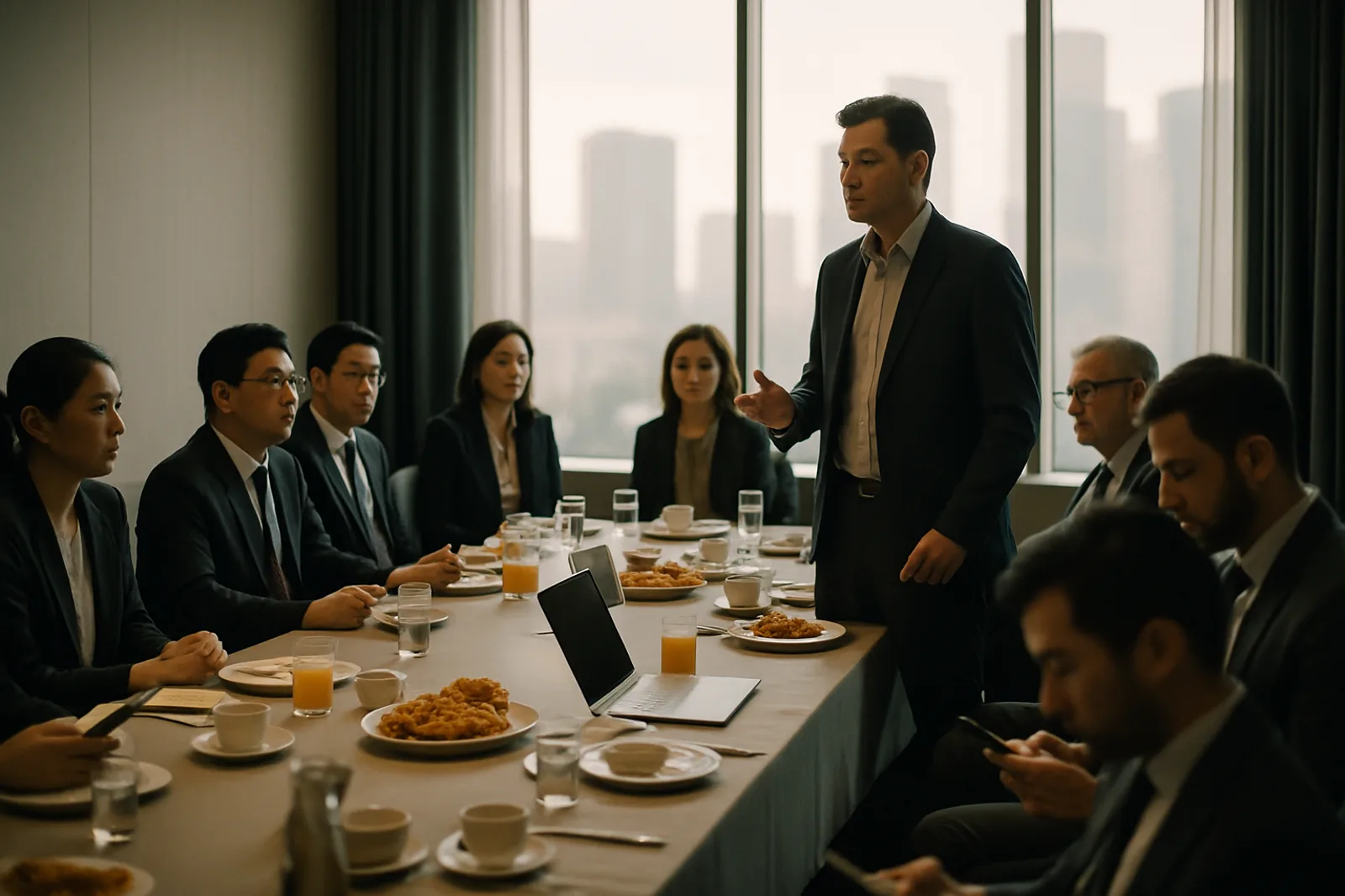
Help members from different regions understand speakers and take part in the conversation.
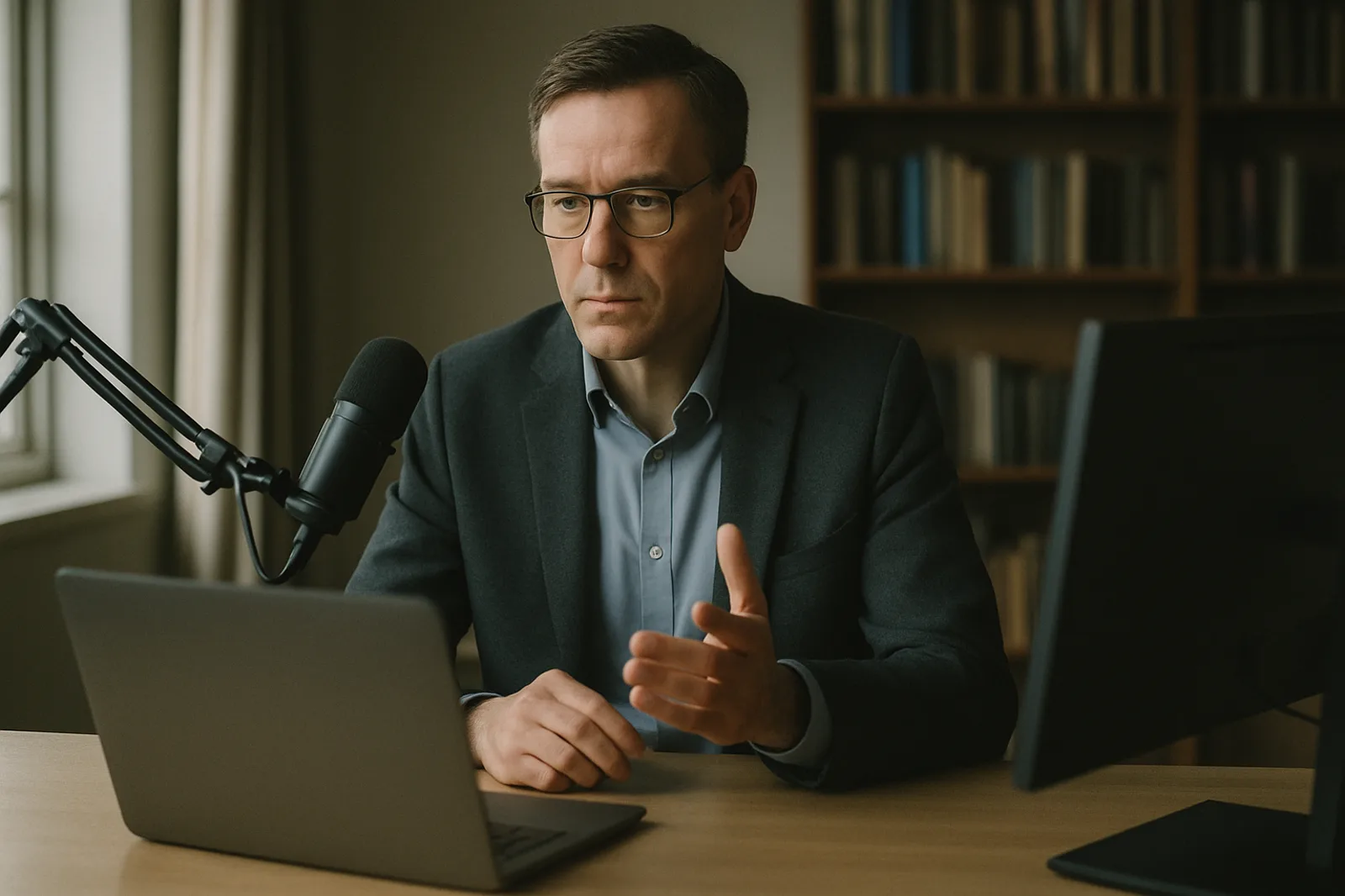
Add live translation to an occasional bilingual event without an enterprise contract.

Give in-room and remote guests the same link for captions or translated audio.
20-credit free trial
Create a test event immediately after signup. No credit card, and the trial never becomes a paid plan on its own.